
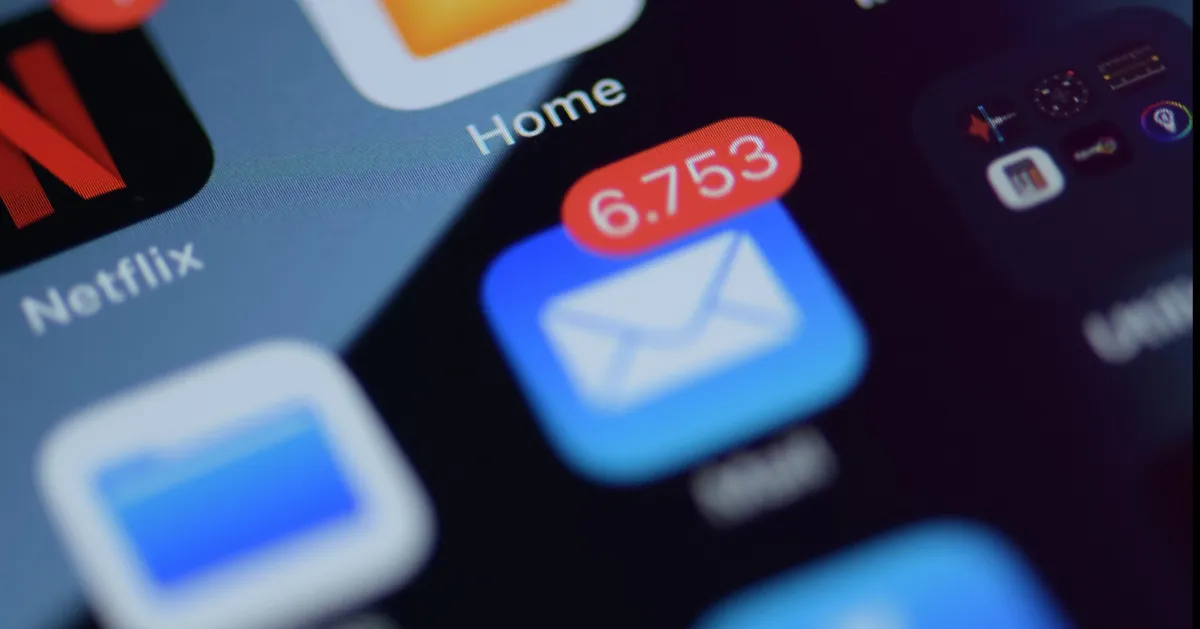
Why You're Always Behind on Email (And It's Not a You Problem)
It's 9pm. You've just wrapped up a full day — calls, client check-ins, maybe even a site visit — and you sit down to finally tackle your inbox. Again. You scroll through the unread messages, feel a familiar wave of guilt wash over you, and wonder: why can't I just stay on top of this?
Here's the thing. You're not disorganized. You're not bad at your job. You're not even that different from every other wedding professional I've talked to who says the exact same thing.
You're just using a tool that was never built for what you're asking it to do.
Email Was Never Designed for This
When email was first invented, it was meant for simple, asynchronous messages. Send a note, get a reply later. Low volume, low stakes.
That is not what your inbox looks like today.
Right now, your inbox is probably functioning as your to-do list, your filing system, your client portal, your vendor communication hub, and your notification center — all at once. For wedding professionals especially, the volume is relentless: inquiries coming in from multiple platforms, contracts to send and follow up on, timelines to coordinate, questions from clients at every stage of the planning process. And every single one of those lands in the same place.
No wonder it feels impossible to manage. You're not failing at email — you're managing an entire business through a platform that was designed for something much simpler.
The Hidden Time Drains Nobody Talks About
The problem isn't just volume. It's the invisible ways email quietly eats your time throughout the day.
Re-reading emails you've already read. You open something, don't have time to deal with it, close it, and then open it again two hours later. And again tomorrow. Every time you re-read an email without acting on it, you're spending time without making progress.
Writing the same things over and over. How many times have you typed out a response to a pricing inquiry this month? Or explained your booking process from scratch? Or sent a "just checking in" follow-up? Without templates, you're reinventing the wheel constantly.
Decision fatigue. Every email in your inbox represents a tiny decision: do I respond now? Do I ignore this? Does this need to go somewhere? After dozens of those micro-decisions, your brain is tired — and that's before you've done any of the actual work of running your business.
The context-switching trap. Checking email between tasks feels productive, but every time you dip in and out of your inbox, you lose momentum on whatever you were actually doing. Research suggests it can take over 20 minutes to fully regain focus after an interruption. Multiply that by every time you checked email "just quickly" today.
Why "Just Check It Less" Doesn't Work
You've probably heard the advice: only check email twice a day. Set specific windows. Turn off notifications.
And maybe you've tried it, found yourself anxious about what might be piling up, and quietly abandoned it by noon.
That's not a willpower problem. When you're running a client-facing business, the pressure to be available is real. Clients expect responses. Vendors are waiting on answers. The fear of missing something important is legitimate.
The real issue isn't how often you check your inbox — it's that you're in reactive mode instead of intentional mode. You're letting the inbox set your agenda instead of you setting it. And that feels exhausting because it is.
What Actually Helps
You don't need a perfect system. You need a few small shifts that make the whole thing less of a drain.
Batch your email time. Instead of dipping in throughout the day, designate two or three specific windows — maybe 8am, noon, and 4pm — where you actually work through your inbox. Outside those windows, close the tab. It feels uncomfortable at first and then remarkably freeing.
Build templates for your most common replies. Think about the emails you write most often: inquiry responses, contract reminders, timeline requests, "where do I send the invoice?" questions. Draft a template for each one. You can personalize them in 30 seconds, but the hard work is already done.
Use a simple triage system. When you open an email, make one decision and stick to it: respond now (if it takes less than two minutes), delegate it, defer it to a specific time, or delete it. The goal is to touch each email as few times as possible.
Take the two-minute rule seriously. If a response genuinely takes less than two minutes, do it immediately rather than flagging it to come back to later. That "I'll deal with it soon" pile is where emails go to haunt you.
None of these are magic. But together, they shift email from something that happens to you into something you're actually in charge of.
When to Hand It Off
Sometimes the honest answer is that no system is going to fix a volume problem. If your inbox is consistently overflowing despite your best efforts, if you're responding to emails at 10pm just to keep up, if client communication is slipping through the cracks — that's not a you problem either. That's a capacity problem.
A virtual assistant can take a significant chunk of this off your plate. Things like filtering and organizing your inbox, drafting responses for your review, following up with vendors and clients, managing inquiry replies — none of that requires you. It just requires someone you trust to handle it.
You don't need to be out of the loop. You just don't need to personally touch every single email that comes through.
One Thing to Try This Week
You don't have to overhaul everything at once. Pick one thing from this post and try it for a week:
Set two designated email windows and close your inbox in between.
Write one template for your most common email type.
Use the two-minute rule for every email you open today.
Small changes compound. And if you're still drowning in email after giving it a real shot — let's talk. Inbox management is one of the first things I help clients hand off, and it's usually the one that makes them wish they'd done it sooner.
Your inbox doesn't have to feel like a second job.